
overview
Contents
overview#
This is a short overview of enjoyn, geared towards new users.
why enjoyn#
The primary goal of enjoyn is to facilitate joining images to form animations.
Indubitably, there are plenty of other Python libraries that already accomplish this.
However, many of these Python libraries either:
only utilize a single thread for rendering.
requires the images for the animation ready on the file system.
In contrast, enjoyn features:
utilizing multiple threads and/or processes for rendering.
generating input images for the animation on the fly.
short demo#
To demonstrate, let’s first generate a large number of images to animate.
[1]:
from enjoyn.example import RandomWalkExample

example = RandomWalkExample(length=1000)
with example.time_run():
    outputs = example.output_images()

print(f"Length: {len(outputs)}, Example: {outputs[0]}")
Runtime: 45.973551041 seconds
Length: 1000, Example: /var/folders/l8/rxc2dv157_9dmx0sjlq7nwc00000gn/T/enjoyn_bardrjv5/f07433b50ba14ee1abc1688e52a25d71.png
using imageio#
To animate those images, let’s use imageio to:
serialize the output into
numpyarrays usingiio.imread.join the arrays to form a GIF using
iio.imwrite.
[2]:
import imageio.v3 as iio

with example.time_run():
    imageio_uri = "assets/imageio_random_walk.gif"
    iio.imwrite(imageio_uri, [iio.imread(output) for output in outputs], loop=0)
Runtime: 9.815273082999994 seconds
using enjoyn#
Now let’s use enjoyn to do the same.
[3]:
from enjoyn import GifAnimator

with example.time_run():
    enjoyn_uri = "assets/enjoyn_random_walk.gif"
    GifAnimator(items=outputs, output_path=enjoyn_uri).compute()
[########################################] | 100% Completed |  4.2s
Runtime: 4.240391915999993 seconds
both outputs#
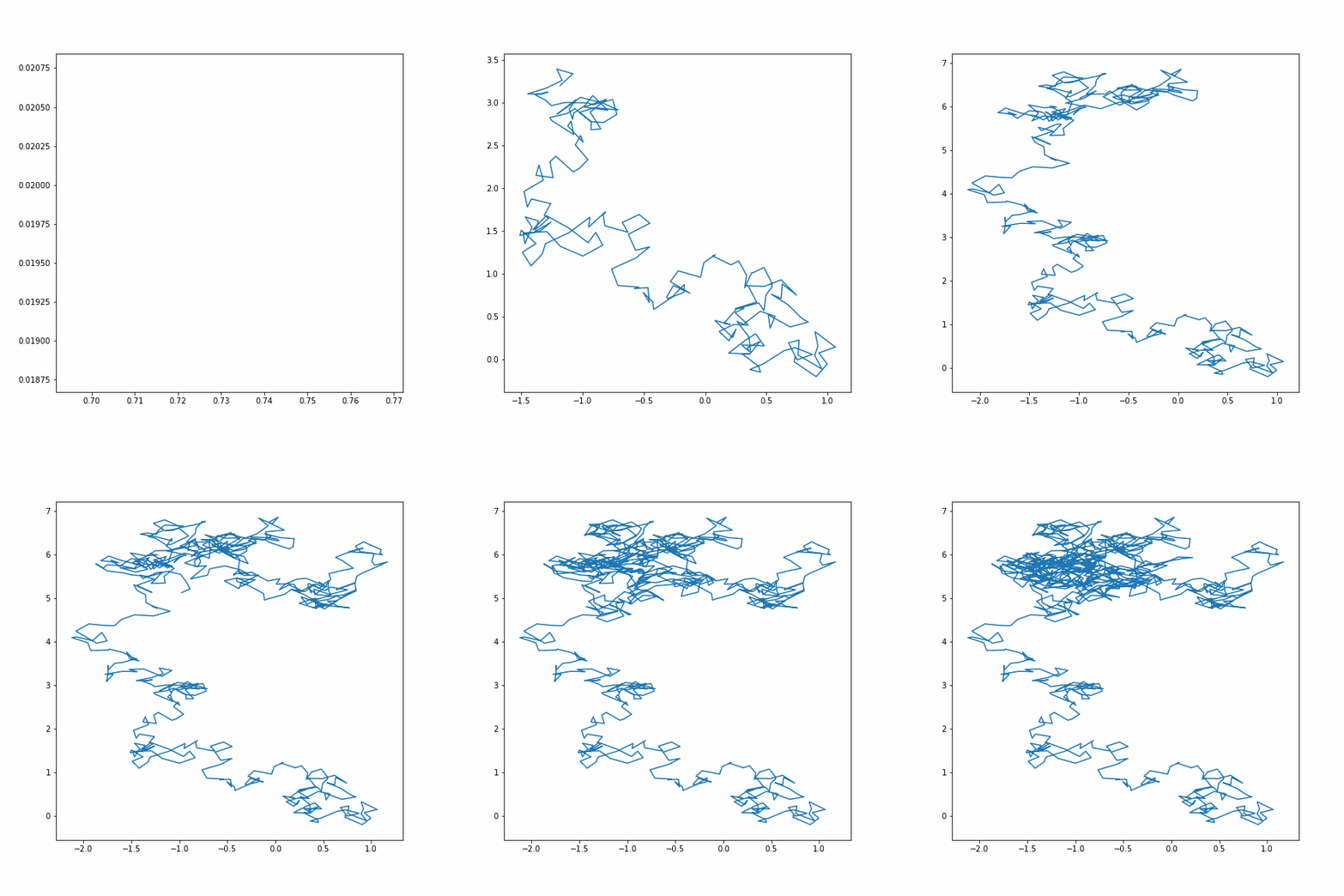
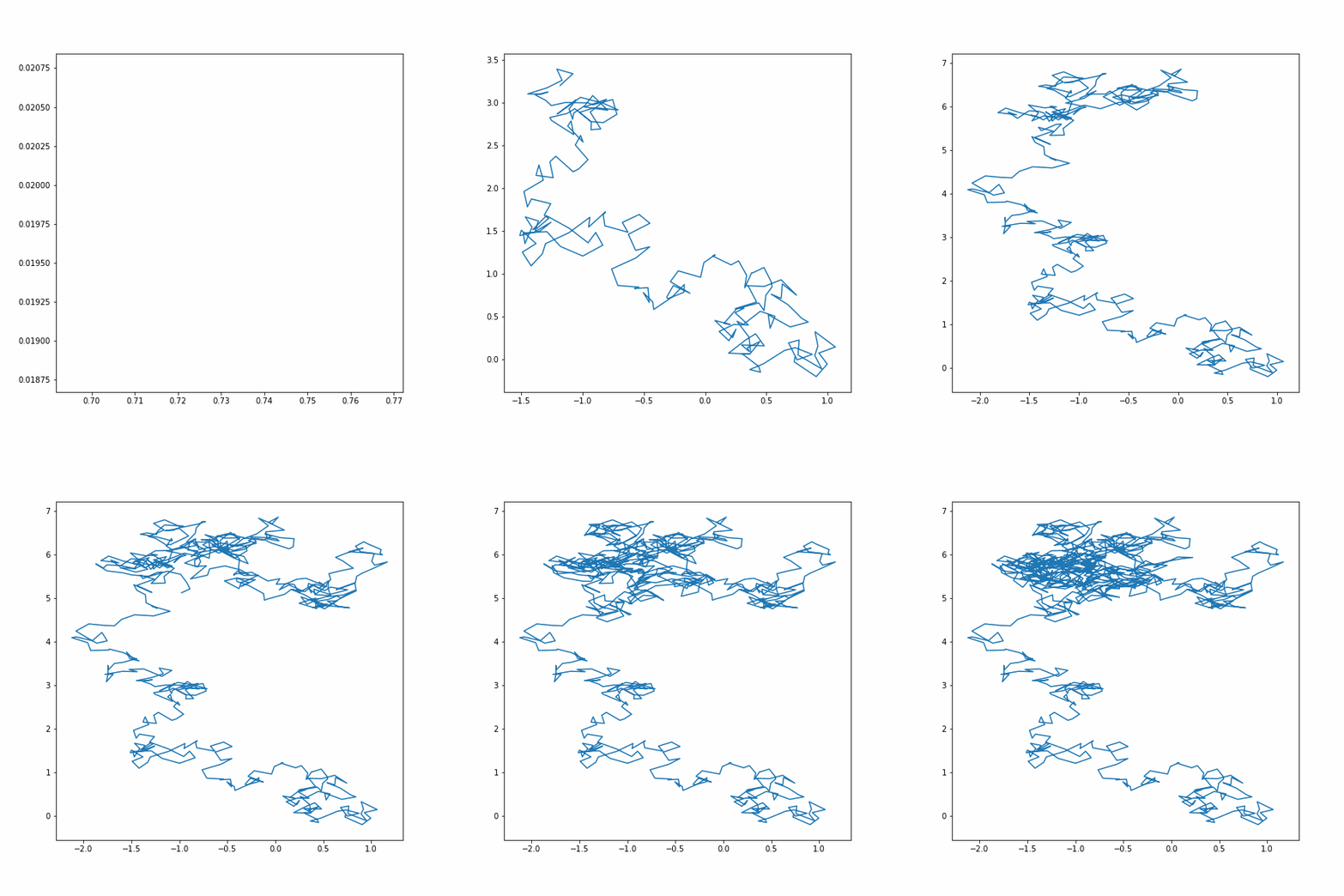
Here are the rendered GIFs; imageio is shown above and enjoyn is shown below.
Here are the file sizes.
[4]:
example.size_of("assets/imageio_random_walk.gif")
example.size_of("assets/enjoyn_random_walk.gif")
File size of imageio_random_walk.gif: 3.73 MBs
File size of enjoyn_random_walk.gif: 1.27 MBs
Notice, although the renders look identical, both runtime and file size are halved with enjoyn!
inner workings#
Internally, enjoyn uses imageio as described above.
However, on top of that, enjoyn leverages dask to scale and gifsicle to optimize:
daskpartitions the items across workers, returning partitioned animations.gifsicleconcatenates the partitioned animations and applies compression.
For a deeper dive on the implementation, see design notes.
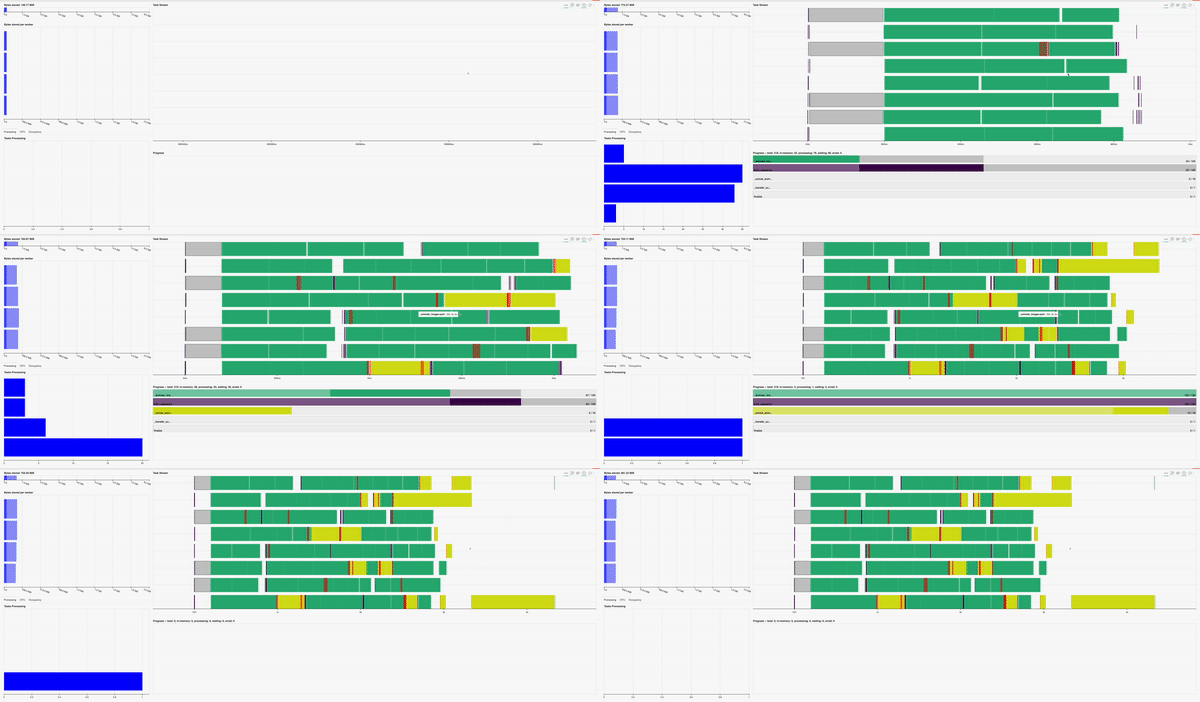
Here’s what the dask dashboard would have looked like if a distributed.Client was provided!
using preprocessor#
Before cleaning up, let’s see how enjoyn can generate input images on the fly.
To accomplish this:
serialize a
Preprocessorwith the desired plotting function,func, and keywords,kwds.update
itemsso that when it’s mapped, each item becomes the first positional argument offunc.
Note enjoyn can accept both files and file-objects, as exemplified by setting to_bytes_io = True here.
[5]:
from enjoyn import GifAnimator, Preprocessor

with example.time_run():
    example.to_bytes_io = True
    preprocessor = Preprocessor(func=example.plot_image)

    data = example.load_data()
    items = [data[:i] for i in range(1, len(data))]

    output_path = "assets/enjoyn_random_walk_on_the_fly.gif"

    GifAnimator(
        preprocessor=preprocessor, items=items, output_path=output_path
    ).compute()
[########################################] | 100% Completed | 24.8s
Runtime: 25.475539207999987 seconds
The runtime is now way over 10 seconds.
However, that’s because it’s now performing two jobs:
generating the images.
rendering the animation.
Overall, enjoyn is still able to halve the total runtime because these jobs are executed in parallel.
[6]:
example.cleanup_images()
next steps#
If this guide intrigued you, why not install enjoyn or star the repo?
It’s inspiring to see others enjoy enjoyn!